


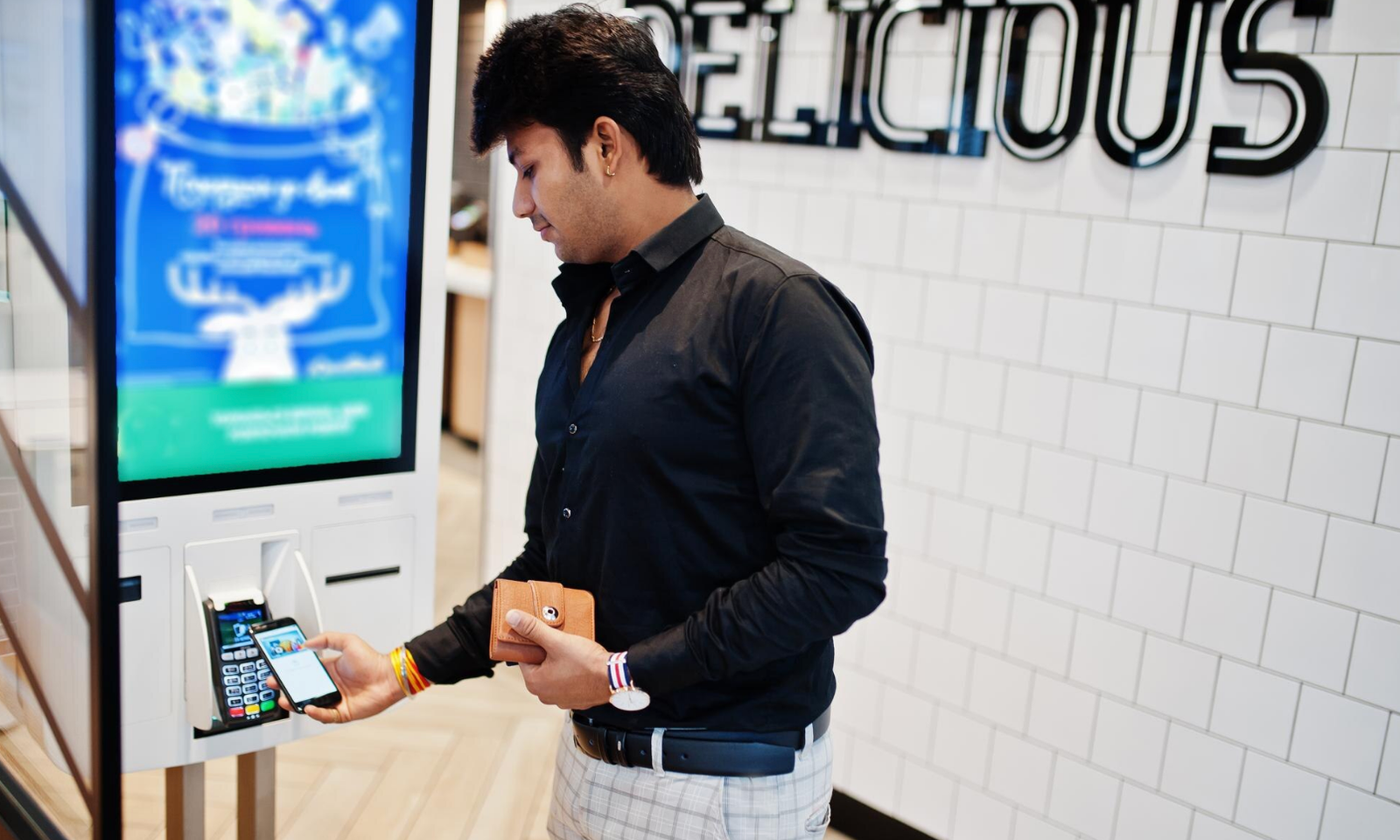
Interactive technology has changed the way businesses communicate with customers in retail stores, airports, healthcare, facilities, hospitality environments, exhibitions, and other public spaces. One increasingly common solution is the self-service kiosk. For businesses considering interactive displays, understanding what is a kiosk and how it can be used is an important starting point.
A kiosk is generally a standalone digital or physical station designed to provide information, services, transactions, or interactive experiences. Modern kiosks frequently include touchscreens, computers, payment systems, scanners, printers, or other integrated technologies depending on their intended purpose.
Self-service is one of the most familiar applications. Customers can use a kiosk to browse products, place orders, check in, print information, or complete other routine tasks without requiring constant assistance from employees. This can improve convenience while allowing staff to focus on more complex customer needs.
Kiosks can also be valuable for information delivery. In a museum, for example, an interactive station can provide additional information about an exhibit. At an event, a kiosk might help attendees locate sessions, explore exhibitors, or register for activities.
Retail businesses can use kiosks to extend the shopping experience. Customers may browse products that are not physically displayed in a store, compare options, or access additional product information. This can complement the work of sales associates rather than replace it.
In hospitality, kiosks may simplify check-in or provide information about services and facilities. The objective is often to make routine interactions faster while maintaining a consistent customer experience.
The design of the kiosk matters. It should be easy to understand and comfortable to use. Screen placement, interface design, accessibility, and physical durability should all be considered. A complicated interface can undermine the convenience that self-service technology is intended to provide.
Security is another consideration, particularly when kiosks handle personal information or payments. Businesses should evaluate appropriate safeguards and ensure that the technology is maintained properly.
Maintenance is equally important. A kiosk is a customer-facing system, so downtime can create frustration. Regular software updates, hardware inspections, cleaning, and technical support can help maintain reliable operation.
Businesses should also define the purpose of the kiosk before investing in one. The technology should solve a specific problem or improve a measurable part of the customer journey. Simply adding a touchscreen without a clear objective may not deliver meaningful value.
As digital experiences become more integrated into physical environments, kiosks can provide businesses with a useful bridge between technology and in-person service. When designed around customer needs and supported by reliable technology, they can improve convenience, provide information, and create more engaging experiences across many industries.
