


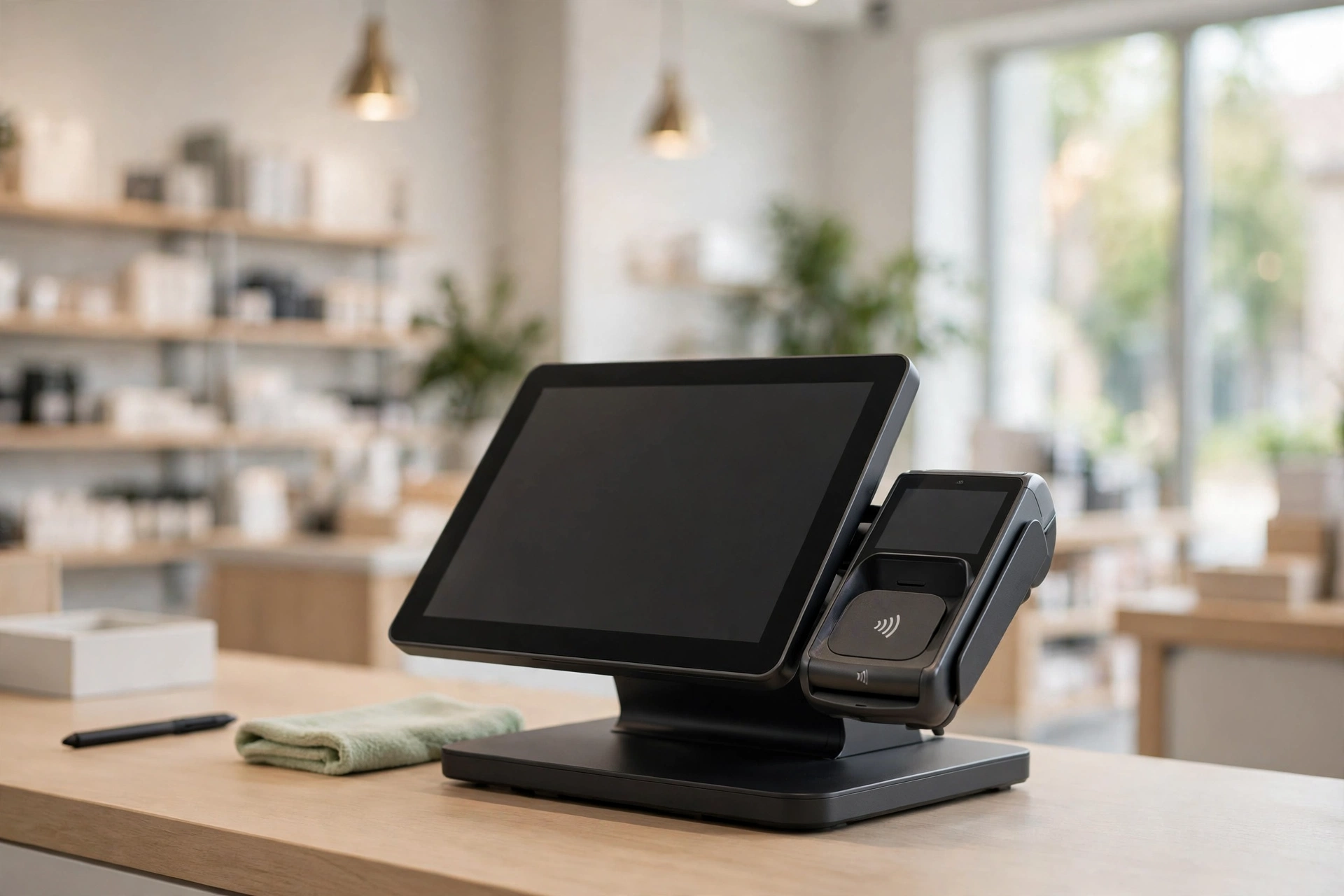
A point-of-sale system that crashes during peak hours can cost a business thousands of dollars in lost sales, frustrated customers, and damaged reputation. Every retail store, restaurant, or service provider depends on their POS system to process transactions, manage inventory, and deliver a seamless customer experience. When things go wrong, the consequences ripple through the entire operation. Fortunately, keeping your system healthy and reliable does not require advanced technical expertise. By following a few practical maintenance and operational strategies, you can significantly reduce downtime and ensure your POS runs efficiently day after day.
1. Schedule Regular Software Updates and Security Patches
Software updates are far more than cosmetic improvements to your POS system. They address critical security vulnerabilities, fix known bugs, and introduce performance enhancements that directly impact your operation. Cybercriminals actively target retail systems to steal payment data or customer information, making security patches essential to protecting your business and your customers. When your vendor releases an update, they have identified and addressed specific issues that could harm your system or expose sensitive data. Delaying updates leaves your POS system vulnerable to known exploits and increases the likelihood of system failures.
Establish a regular update schedule and communicate it to your team well in advance. Many systems can be updated during off-hours or slow periods to minimize disruption to your business. Designate someone on your team to monitor update notifications so that critical patches never slip through the cracks. Test updates in a staging environment if possible, or on a quiet day, to catch any compatibility issues before they affect daily operations. Keeping your system current is one of the most effective investments you can make in reliability and security.
2. Perform Routine Hardware Maintenance and Inspections
Your POS system consists of multiple pieces of hardware, each requiring attention to function properly. The touch screen can accumulate dust, fingerprints, and debris that interfere with responsiveness. Printers may jam or produce poor-quality receipts due to worn components or clogged print heads. Network cables can loosen or become damaged from foot traffic or equipment movement. Cash drawers may stick or fail to open reliably if locks are not serviced.
Create a simple maintenance checklist that includes cleaning the touch screen with appropriate materials, checking all cable connections, inspecting the printer for worn parts, and testing the cash drawer mechanism weekly. For retailers processing transactions across multiple floor locations, a mobile retail cart enables staff to bring point of sale hardware directly to customers while keeping cables organized and components protected from the incidental damage that stationary setups in high-traffic areas often experience. Listen for unusual sounds when the system powers on or during operation, as grinding or clicking noises often signal failing components. Replace worn receipt rolls promptly and keep spare thermal paper or ink on hand so you never run out during business hours. Document any maintenance performed so you have a record of when components were last serviced, which helps identify recurring issues over time.
3. Implement a Reliable Backup and Data Recovery Plan
Data loss can strike without warning through hardware failure, software corruption, or accidental deletion. Every transaction your POS system processes represents valuable business information that drives your inventory, sales reports, and financial records. Losing this data could make it impossible to accurately account for sales, manage stock levels, or identify trends in customer purchasing behavior. A comprehensive backup strategy protects your business from these scenarios and provides assurance that your information is secure.
Your backup plan should include daily automated backups to secure cloud storage or an external hard drive that is physically separated from your main system. Test your backup files regularly by attempting to restore data to confirm the backups are functional and your data is recoverable. Store at least one backup copy off-site or in the cloud so that even if your physical location experiences a disaster, your data remains accessible. Establish a clear recovery procedure so that everyone on your team knows exactly what steps to take if data loss occurs. Investing in backup infrastructure is far less costly than attempting to reconstruct lost transactions or customer records after the fact.
4. Train Your Staff on Proper System Operation and Troubleshooting
Your employees interact with the POS system throughout every shift, and their habits directly affect its performance and longevity. Staff members who rush through login procedures, force buttons, or work around system prompts can inadvertently cause system strain or corrupt data. Training creates a culture of care and responsibility around your technology, ensuring everyone understands why proper use matters. When employees understand how the system works and why certain procedures exist, they become advocates for its health rather than sources of preventable issues. Knowledgeable staff also catch minor problems early and can perform basic troubleshooting without immediately calling technical support.
Provide comprehensive onboarding training for all new employees that covers transaction processing, proper startup and shutdown procedures, what to do if the system hangs or freezes, and how to report technical issues. Create a simple reference guide posted near the register that outlines common problems and basic solutions, such as what to do if the touch screen becomes unresponsive or the printer stops working. Encourage staff to report problems immediately rather than working around them, as small quirks often signal larger issues on the horizon. Hold brief refresher training sessions every quarter to reinforce best practices and address any new features or procedures. Well-trained staff members minimize user errors that would otherwise cause system problems or data corruption.
5. Establish a Relationship with a Qualified Technical Support Provider
Even with the best preventative measures in place, issues can still arise that require professional expertise to resolve properly. A reliable technical support provider serves as your backup team, ready to help when problems exceed the scope of in-house troubleshooting. The right support partner can diagnose problems quickly, implement solutions efficiently, and provide guidance on system optimization. Rather than scrambling to find help during a crisis, having an established relationship ensures someone is available when you need assistance most.
Research support options from your POS vendor, independent IT providers, and managed service companies in your area. Understand what their response times are, whether they offer on-site or remote assistance, and what the costs are for different types of service calls. Ask for references from other businesses that use their services to verify reliability and quality before committing. Consider a maintenance contract that includes regular system checks and priority support for emergency issues. A trusted technical partner with specific knowledge of your system configuration can identify potential problems before they escalate into costly failures.
Conclusion
A smoothly running point of sale system is the foundation of efficient retail and hospitality operations, and maintaining it requires a thoughtful combination of technical care and team engagement. By scheduling regular software updates, maintaining your hardware, backing up your data, training your staff, and partnering with qualified technical support, you create multiple layers of protection against downtime and data loss. These practices are not one-time fixes but rather ongoing commitments that compound in value over time as your system ages and your business grows. The relatively small investment of time and resources dedicated to POS maintenance pays enormous dividends in uptime, security, and reliability. Start with these five strategies and your point of sale system will continue running smoothly for years to come.
