


Unexpected data loss on your Mac can be distressing – whether it’s due to accidental deletion, system crashes, formatting errors, or any other reason. Fortunately, several free Mac data recovery software tools are available so that you can try to recover lost data on Mac without any backup. While some of the free tools come with certain limitations, they still provide powerful recovery capabilities for everyday users.
In this article, we’ll explore the top 10 free Mac data recovery software tools of 2026, comparing their features, usability and effectiveness.
2026 Guide: Top 10 Free Mac Data Recovery Software
Check and compare the features of the following top 10 data recovery tools for your Mac to restore deleted files without any cost:
01: Stellar Data Recovery Free for Mac
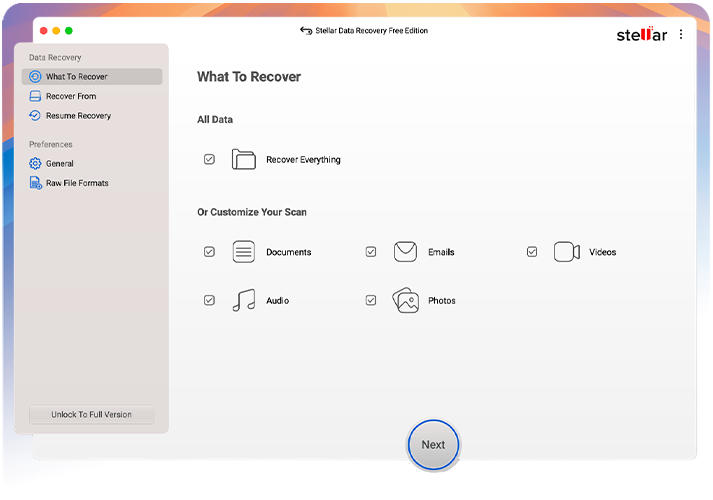
Stellar Data Recovery Free is a reliable free Mac data recovery software that you can use to recover deleted data of various types. The software supports recovery of deleted photos, videos, documents, and other types of files in a few simple clicks. It is compatible with SD cards, USB drives, hard drives, and many other internal or external storage media. The free version allows recovery of up to 1GB of data for free, along with preview functionality to verify files before restoring.
Key Features
- Supports data recovery from formatted, corrupted, or inaccessible drives and lost partitions on macOS systems.
- Allows you to preview recoverable files before restoring, ensuring accurate and selective data recovery.
- Compatible with APFS, HFS+, FAT, NTFS file systems and the latest macOS versions, including Apple Silicon.
- The free version only supports data recovery of up to 1 GB of files without requiring registration or payment.
02: Disk Drill (Free Version)
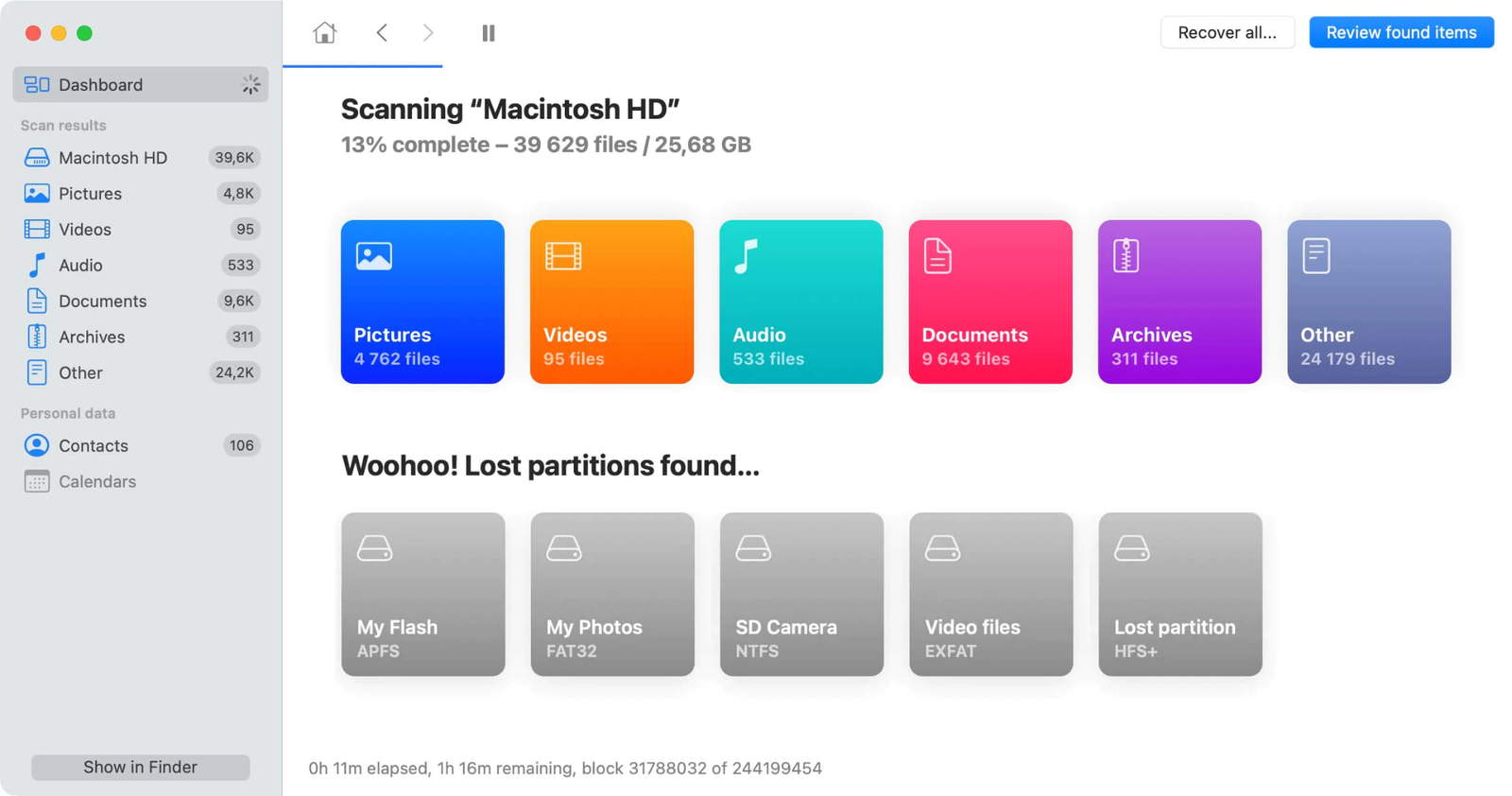
Disk Drill (Free Version) is a powerful and user-friendly Mac data recovery tool designed to restore data deleted from various internal drives, external disks, USBs, and even mobile devices. You can use this software to restore files lost or deleted due to accidental deletion, formatting, system errors, and many other reasons. Its free version allows users to scan, preview, and access basic recovery features, along with additional disk management tools like cleanup and monitoring utilities.
Key Features
- Supports recovery of deleted photos, videos, documents, and other file types of various formats.
- It can restore files deleted from internal drives, external disks, USB devices, smartphones, and memory cards seamlessly.
- Provides a simple interface allowing you to recover lost data with minimal technical knowledge required.
03: Wondershare Recoverit
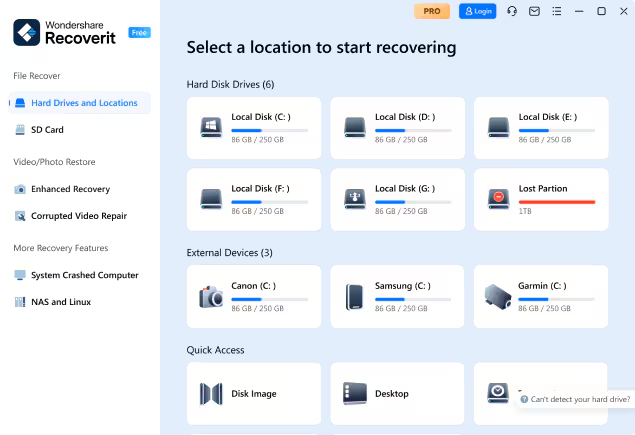
Wondershare Recoverit is another powerful free Mac data recovery software designed to restore deleted, lost, or formatted files efficiently. It supports recovery of deleted files from multiple devices, including internal drives, external storage, and memory cards. The software uses advanced scanning algorithms, including quick and deep scans, to improve recovery success rates. This tool is mainly known for its intuitive interface and support for various data loss scenarios, which makes it suitable for both beginners and professionals.
Key Features
- The tool supports data recovery from internal drives, USB devices, SD cards, cameras, and formatted partitions.
- Performs both quick and deep scan modes with advanced algorithms for accurate and complete data recovery.
- The free version allows limited data recovery with a preview option to verify files before restoring them.
04: Ontrack EasyRecovery Free
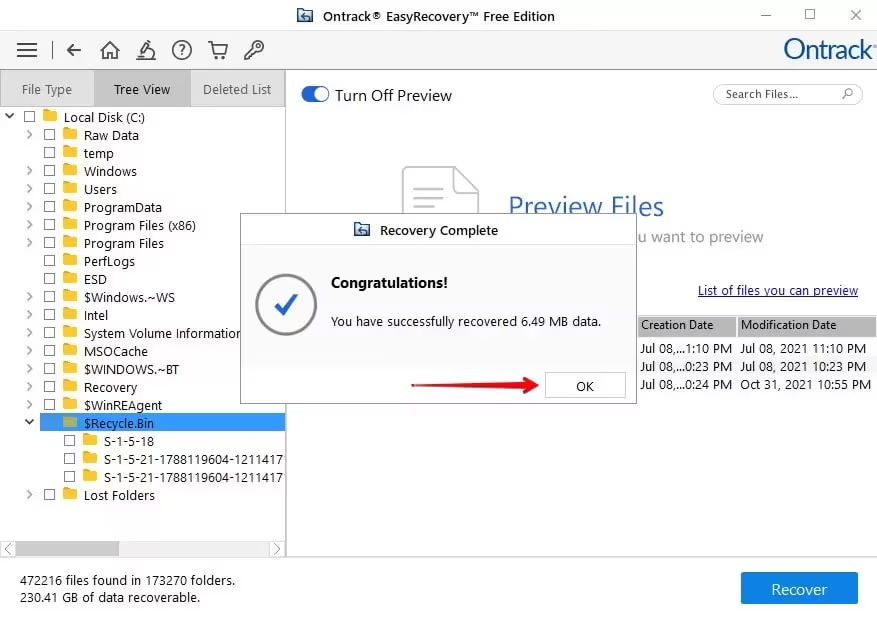
Ontrack EasyRecovery Free is a reliable data recovery tool, known for its versatility to restore deleted files of various types, including photos, videos, documents, etc. Developed by a leading data recovery provider, this free Mac data recovery software is popular due to features like quick and deep scan modes, file preview, and support for modern macOS systems.
Key Features
- Offers quick and deep scan modes to efficiently recover recently deleted files and those lost in complex data loss situations.
- Allows you to preview recoverable files before restoration, ensuring accurate selection and improved recovery results.
- Compatible with APFS, HFS+, FAT, and NTFS file systems across Mac and external drives.
05: MiniTool Power Data Recovery
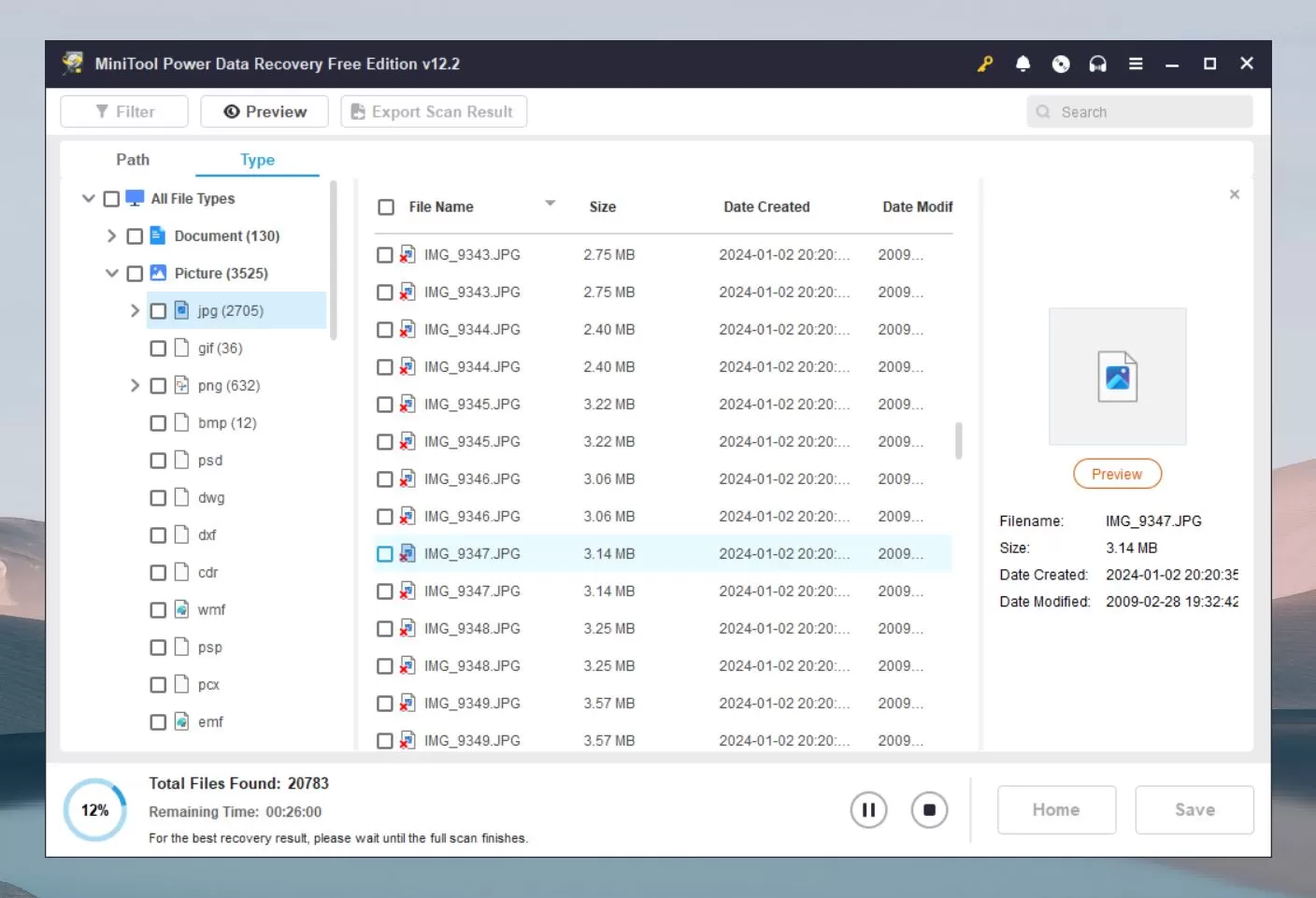
MiniTool Power Data Recovery is a reliable and beginner-friendly Mac data recovery software which is known for its simple, wizard-based interface that allows you to recover data in just a few steps. You can use this software to recover deleted, lost, or inaccessible files on Mac and other platforms. Its free version offers up to 1GB of data recovery, along with file preview functionality. With its compatibility with different storage devices, you can use this software to recover files from SD cards, USB drives, hard drives, etc.
Key Features
- Supports multiple data loss scenarios, including virus attacks, system crashes, partition loss, and formatting issues.
- Offers the preview feature to let you preview the recoverable files before restoration to ensure an accurate and selective data recovery process.
- Offers quick scan and deep sector-by-sector scanning for efficient and thorough data recovery results.
06: iBoysoft Data Recovery Free
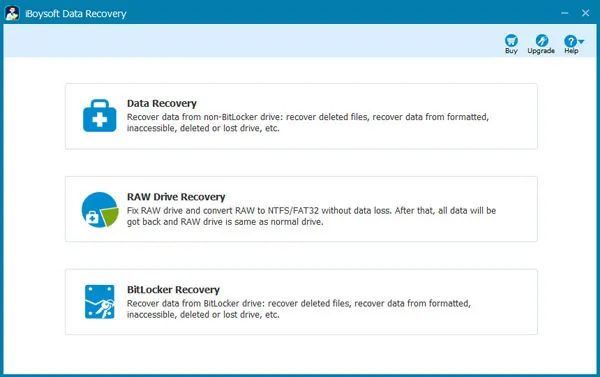
iBoysoft Data Recovery Free is a secure Mac data recovery tool designed to restore your lost data from a wide range of file systems, including APFS and HFS+. The software is especially useful for recovering data from unbootable Macs and encrypted drives. You can use this tool to recover files deleted due to accidental deletion, formatting, system errors, and many other reasons. The free version allows recovery of up to 1GB of data, making it suitable for small recovery tasks.
Key Features
- Recovers deleted or lost files from internal drives, external storage, and disk images efficiently.
- Provides a simple three-step recovery process with scan, preview, and restore options for all users easily.
- Supports APFS, HFS+, FAT32, and exFAT file systems, including encrypted and secure storage volumes.
07: DMDE Free Edition
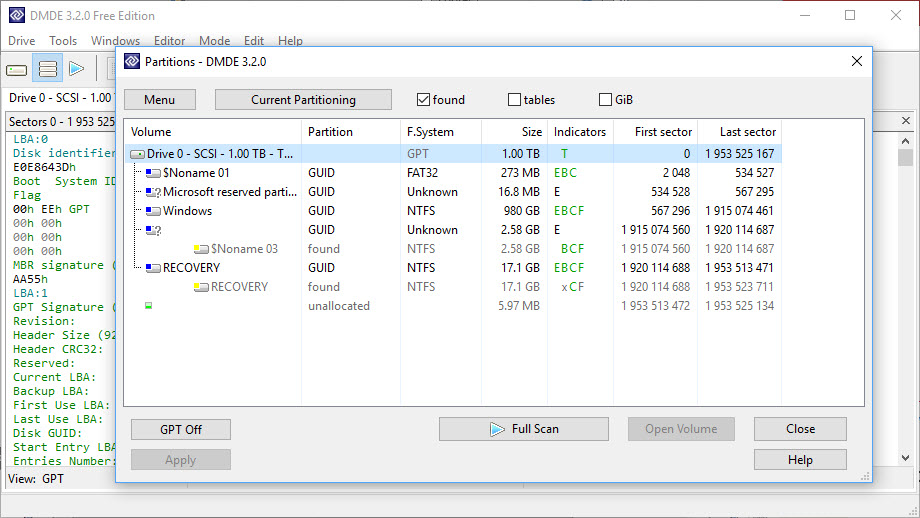
Next in our list of top 10 free Mac data recovery software is the DMDE free edition. It is a professional and effective recovery tool designed for users who need deep-level disk analysis and file restoration. It is widely used by professionals to recover files lost due to complex data loss scenarios, including formatted drives, damaged partitions, and corrupted file systems.
Key Features
- Supports multiple file systems, including APFS, HFS+, NTFS, FAT, exFAT, and Linux-based formats.
- Includes disk editor, partition manager, RAID reconstruction, and disk cloning tools for advanced recovery tasks.
- Provides raw recovery and deep scanning methods to retrieve files when file system metadata is unavailable.
08: Magoshare Data Recovery Free
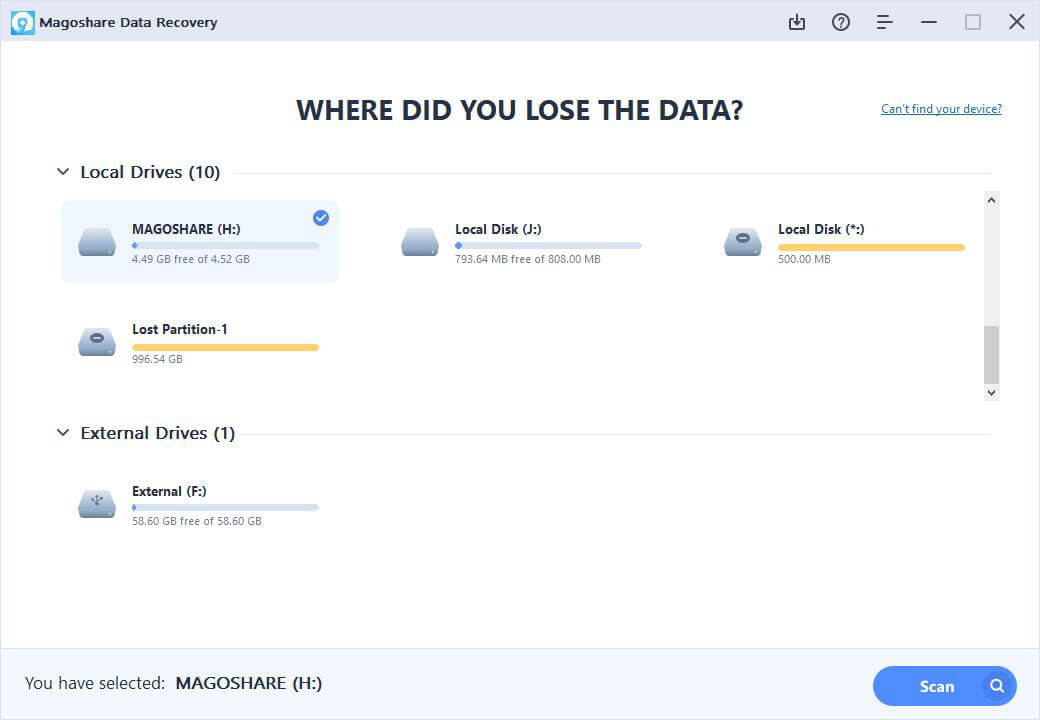
Magoshare Data Recovery Free is a simple yet capable Mac data recovery tool which supports recovery from internal drives, external hard disks, USB drives, and memory cards. The software supports recovery of deleted files in three simple steps, i.e., scan, preview, and recover—making it accessible for beginners. Additionally, it supports deep scan technology to locate lost files from damaged or formatted drives. It is also known for its compatibility with modern macOS versions and Apple Silicon Macs, ensuring broad compatibility and reliable performance.
Key Features
- Deep scan technology thoroughly searches drives to locate recoverable files from complex data loss scenarios.
- Compatible with Apple Silicon Macs and the latest macOS versions, ensuring smooth performance and system support.
- Supports recovery from HDD, SSD, USB drives, memory cards, cameras, and other digital storage devices.
09: R-Studio for Mac
R-Studio for Mac is a professional Mac data recovery software known for its advanced capabilities and deep disk analysis. The software works best for recovery of data lost due to complex data loss situations such as damaged partitions, RAID failures, or corrupted file systems. It can recover data from formatted, deleted, or inaccessible drives and even perform recovery over a network, offering flexibility and control for advanced recovery tasks.
Key Features
- Supports recovery from APFS, HFS+, NTFS, FAT, exFAT, and multiple cross-platform file systems seamlessly.
- Includes RAID reconstruction, disk imaging, and hex editor tools for professional-level data recovery operations.
- Provides raw file recovery using file signatures for severely damaged or unknown file systems effectively.
10: Softtote Mac Data Recovery Free
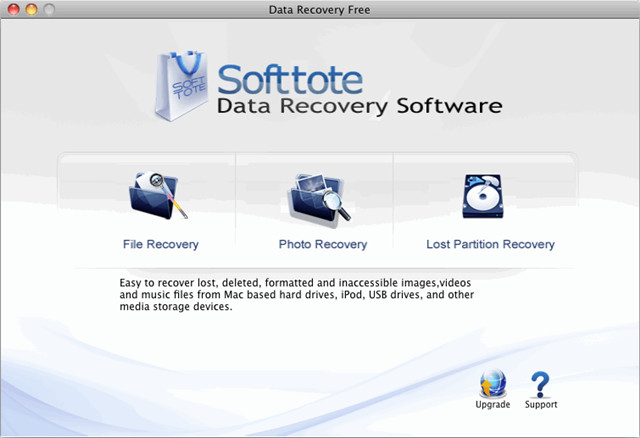
Softtote Mac Data Recovery Free is a lightweight and efficient data recovery software suitable for everyday data loss situations. The software supports recovery of lost, deleted, or inaccessible files from various storage devices, including internal drives, USB devices, memory cards, and digital media. It features a simple interface with dedicated recovery modules, allowing users to easily scan, preview, and recover files. Its free availability makes it an attractive option for basic recovery needs.
Key Features
- Supports file recovery, photo recovery, and lost partition recovery modules for comprehensive data restoration tasks.
- Allows file previews and filtering to quickly and efficiently locate specific recoverable data.
- Works effectively to recover data lost due to deletion, formatting, virus attacks, or unexpected system failures.
Conclusion
Losing important files from your Mac can be distressing, especially if you don’t have any backup of your lost data. In such a case, you can try any of the aforementioned top 10 free Mac data recovery software tools of 2026 to get your deleted files back. Free tools are excellent for basic recovery tasks, such as retrieving recently deleted files or small amounts of data, but they often come with limitations like recovery caps or restricted features. It is important to act quickly, avoid overwriting data, and choose software compatible with your macOS version. Carefully compare the above Mac data recovery tools and choose the one that best fits your needs.
