


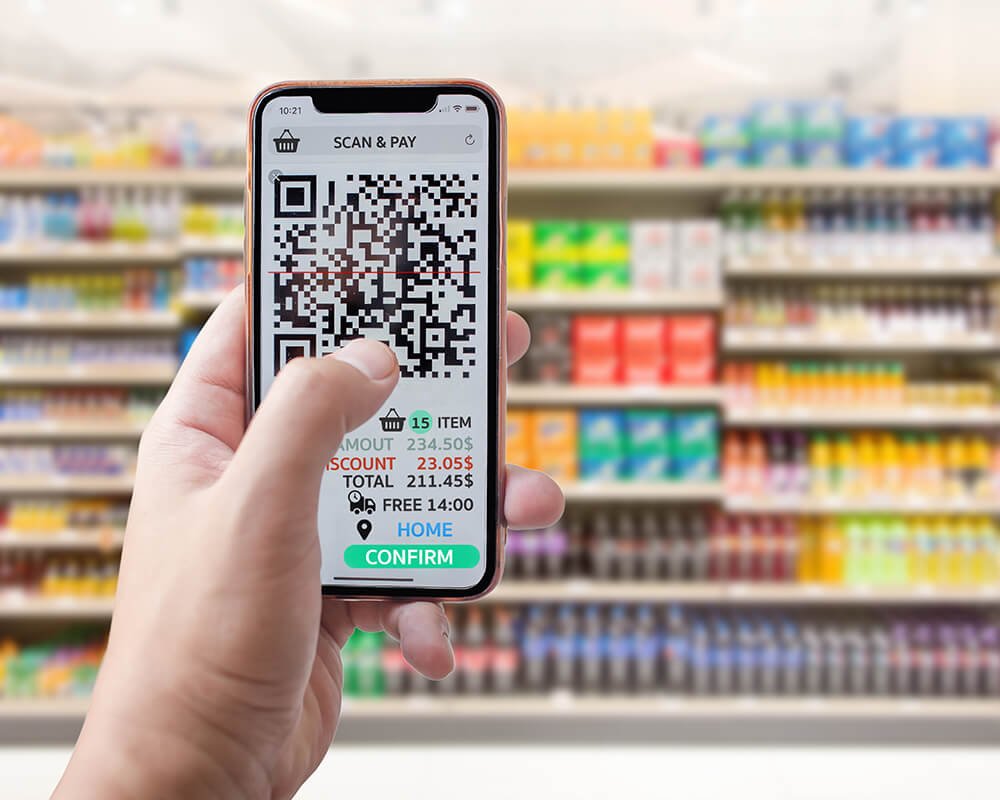
QR codes have quietly become part of daily business operations, linking printed materials, storefronts, invoices, menus, and internal documents to digital workflows. Small and mid-sized teams rely on a QR generator to connect offline touchpoints with online actions without adding technical complexity. What matters in everyday business use is not experimentation or design extremes, but reliability, clarity, and the ability to adapt when processes change.
How QR Code Tools Fit into Daily Business Workflows
For everyday business tasks, QR codes function as practical connectors rather than marketing experiments. They are used to route customers to service pages, share payment details, provide quick access to documentation, or simplify internal navigation for staff. In these scenarios, consistency and ease of management matter more than novelty, especially when the same QR code appears across multiple materials or locations.
Businesses also tend to evaluate QR code generators based on how smoothly they integrate into routine operations. The ability to update destinations without replacing printed assets, maintain visual consistency across touchpoints, and monitor basic engagement patterns often determines whether a tool becomes part of ongoing workflows or remains a one-off solution.
Tools Commonly Used for Everyday Business QR Tasks
When QR codes support routine business activity, companies tend to choose tools that balance simplicity with enough flexibility to handle change. The options below are typically used for operational needs rather than experimental campaigns.
ME-QR
ME-QR is commonly applied in everyday business settings where QR codes are expected to function reliably across multiple touchpoints over time. It is positioned for teams managing ongoing operations rather than isolated campaigns, allowing QR-linked content to be updated after distribution and monitored from a centralized dashboard.
Advantages:
- dynamic QR codes that remain editable after deployment;
- contextual scan analytics by device type, location, and time;
- bulk QR generation for structured internal processes;
- API access supporting integration with existing business systems;
- centralized management suitable for multi-location use.
This combination supports businesses that prefer to deploy QR codes once and manage them continuously. It helps maintain consistency as workflows, links, or destinations change.
Disadvantages:
- feature depth may feel excessive for very small or ad hoc use cases;
- some advanced controls require brief initial configuration.
In simple scenarios, these capabilities may go underused. For routine operations at scale, however, they typically add long-term stability.
QR Planet
QR Planet is often used for straightforward business tasks where speed and simplicity are the main priorities. It fits environments where QR codes support temporary signage, quick redirects, or internal references unlikely to change.
Advantages:
- fast QR creation with minimal setup;
- accessible interface for everyday use;
- suitable for short-term business needs.
This makes QR Planet easy to adopt in routine situations. It works best when updates are not expected after deployment.
Disadvantages:
- limited flexibility for post-launch changes;
- minimal support for evolving workflows.
As business processes grow more complex, these constraints can become noticeable.
QR Code Kit
QR Code Kit is commonly applied in small business contexts that require basic QR functionality without deeper system integration. It is typically chosen for customer-facing links or informational access points.
Advantages:
- simple setup process;
- reliable QR generation;
- suitable for routine business references.
Its simplicity supports quick adoption across teams. This makes it practical for stable, low-maintenance use cases.
Disadvantages:
- limited options for long-term management;
- fewer tools for multi-location coordination.
For businesses expanding their QR usage, additional structure may be needed.
goQR.me
goQR.me is frequently used for instant QR generation in situations where immediacy matters more than control. Businesses rely on it for quick sharing of single URLs or contact pages.
Advantages:
- immediate QR output without configuration;
- no learning curve for basic use;
- effective for one-off tasks.
This lightweight approach suits spontaneous needs. It keeps QR creation fast and uncomplicated.
Disadvantages:
- no support for long-term updates;
- limited suitability for recurring business use.
When QR codes must stay active and adjustable, these limitations become apparent.
Pageloot
Pageloot is often selected by businesses seeking ease of use combined with basic customization. It is applied in routine customer interactions such as menus, booking links, or forms.
Advantages:
- customizable QR appearance;
- supports multiple QR content types;
- accessible for daily business tasks.
This balance works well for customer-facing materials. It allows some visual alignment without added complexity.
Disadvantages:
- less focus on long-term adaptability;
- limited support for complex internal workflows.
For businesses with evolving operational needs, more centralized control may be required.
Comparing Everyday Business Use Scenarios
Before settling on a generator, businesses usually compare how tools support stability and change in routine operations. The table below outlines common differences that matter in everyday use.
| Business need | Simple generators | Managed platforms |
| Destination updates | Rare | Supported |
| Centralized control | Limited | Available |
| Multi-location use | Basic | Scalable |
| Ongoing management | Minimal | Structured |
After reviewing these aspects, it becomes easier to match a tool to operational needs. For businesses that reuse QR codes across materials and locations, adaptability tends to outweigh initial simplicity.
Making QR Codes Work in Daily Operations
Everyday business use places QR codes closer to infrastructure than to marketing experiments. A QR code creator that works for a single flyer may not be sufficient when the same code appears on invoices, storefronts, and internal documents. This distinction becomes clear as businesses scale routine processes and need consistency across touchpoints.
Choosing the right tool early helps reduce manual updates and prevents operational friction. When QR codes are treated as managed assets rather than disposable links, they support smoother workflows and remain useful as business needs change. Over time, this approach turns QR codes into quiet but reliable components of daily operations.
FAQ
Are QR codes suitable for routine business processes?
Yes, they are widely used for navigation, payments, information access, and internal workflows.
Can businesses update QR destinations without reprinting materials?
With dynamic QR logic, destinations can be changed after deployment.
Do small businesses need analytics for QR codes?
Basic scan insights can help understand usage patterns even in everyday operations.
